
How to Use Baraka
Everything you need to know about navigating our logistics network. From tracking your first parcel to managing complex branch operations.
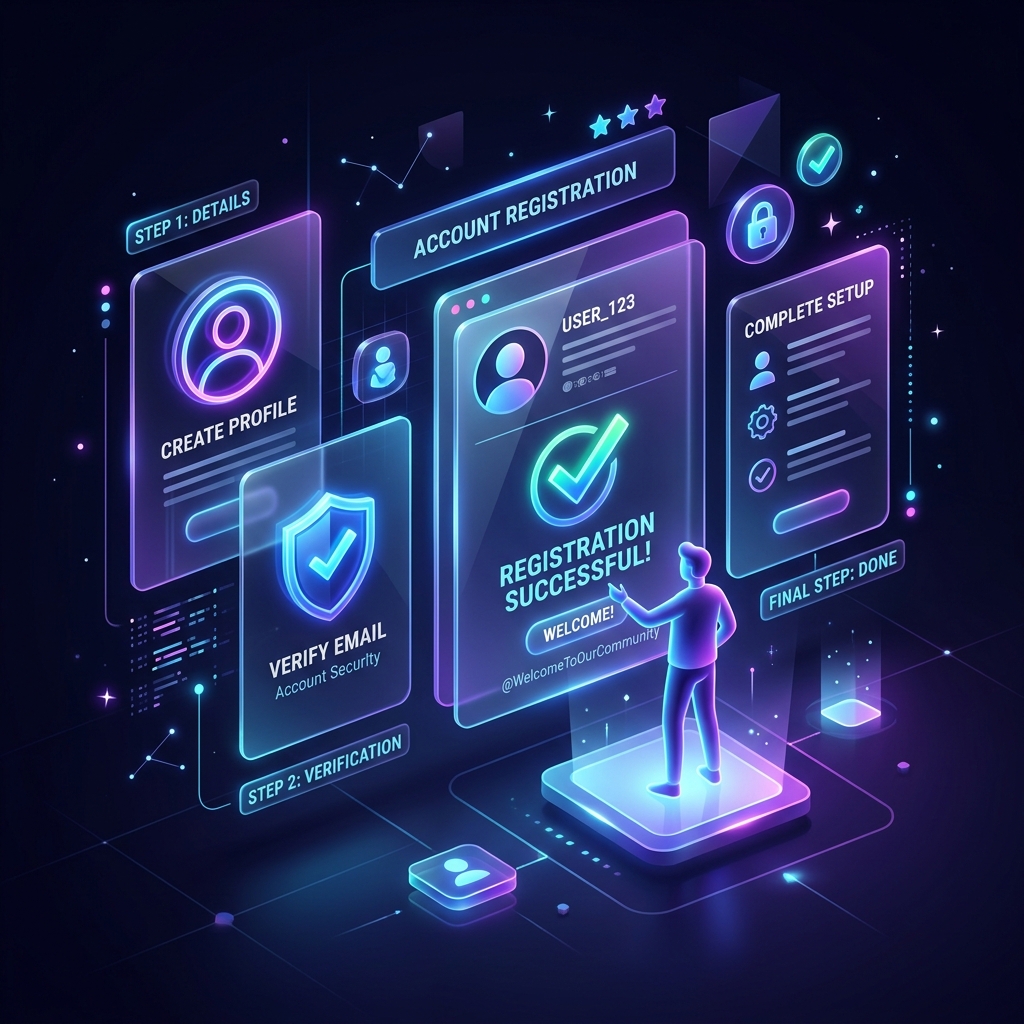
Account Setup & Onboarding
User Types
Register as a Client (Individual), Merchant (Business), or Branch Staff. Each role has specialized tools.
KYC & Verification
Upload your business license or ID for vetting if you're a Merchant to unlock credit lines and lower rates.
Wallet Activation
Enable your digital wallet for instant shipping payments and COD settlements.
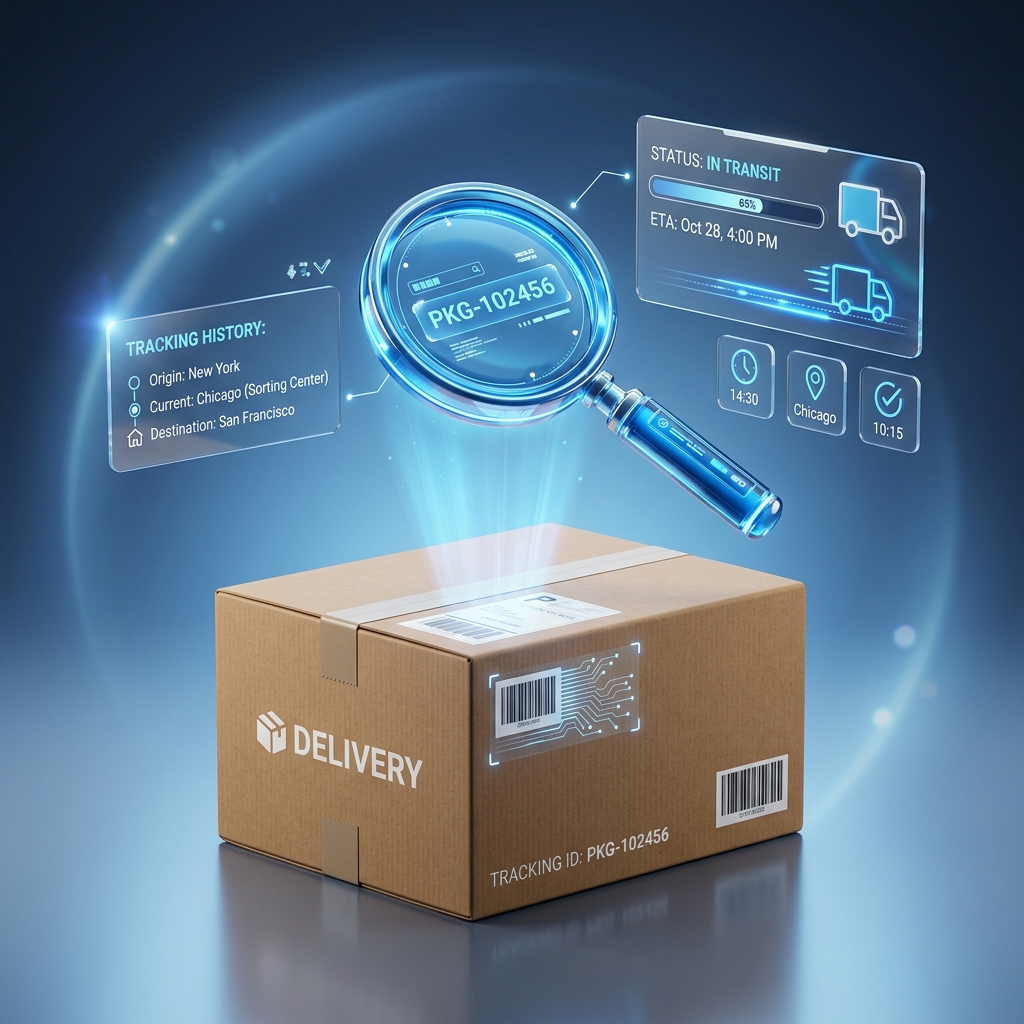
Real-time Tracking
One-Click Tracking
Simply enter your Tracking ID (TRK-XXXX-XXXX) on the public portal. No login required for basic views.
Milestone Events
View GPS-stamped events: Picked up, Consolidated, In-Transit, Out for Delivery, and Successful.
POD & Signatures
Authenticated users can view digital signatures and Proof-of-Delivery (POD) photos instantly.
Groupage & Consolidation
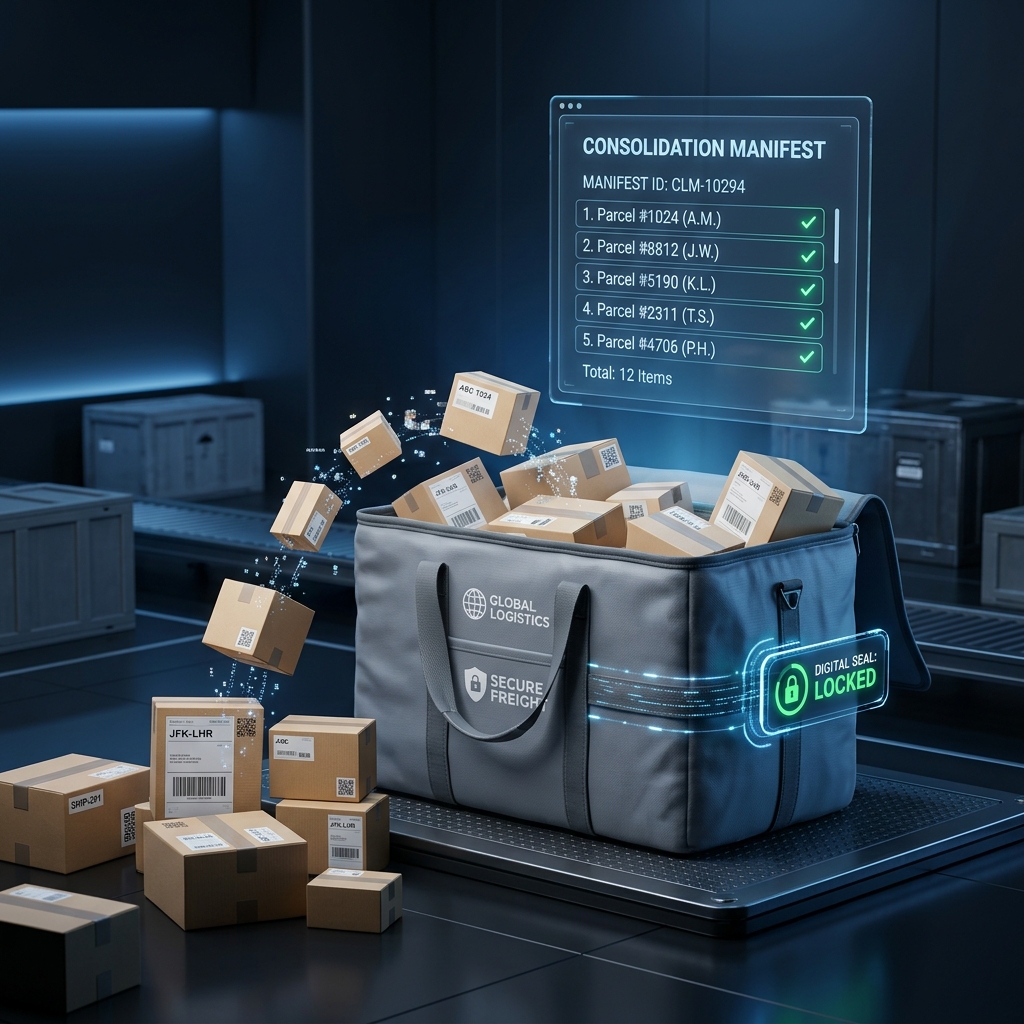
Efficient logistics rely on consolidation. Our system allows you to group multiple small shipments into a single "Bag" with its own master manifest.
The Process
Scan each parcel into a specific Bag ID. Once full, generate a master manifest. This Master manifest is tracked as one unit across country borders.
De-consolidation
Upon arrival at a hub, scan the master Bag to verify all contents in one go, instantly updating dozens of parcel statuses.

Fleet & Delivery Manifests
Managing your logistics fleet is simplified through dynamic manifesting. Assign manifests to specific drivers and track their progress in real-time.
Vehicle Tracking
Monitor fuel logs, maintenance, and live GPS positions.
Dynamic Manifests
Auto-generate delivery routes based on destination proximity.
Driver App Sync
Instant updates to drivers via our mobile companion app.
Zone Mastery
Define operational zones to restrict or prioritize specific routes.
Intelligent Warehouse Control
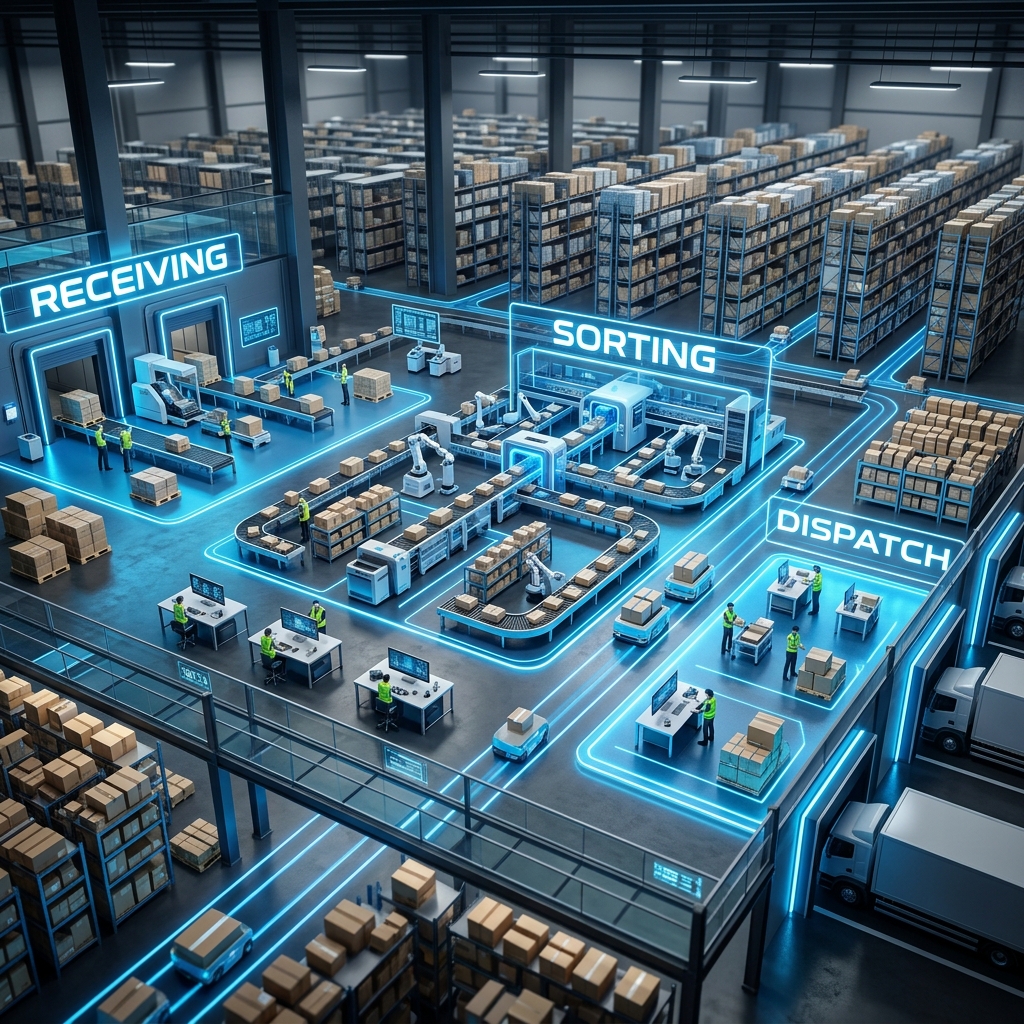
The Baraka system transforms warehouses from storage units into intelligent sorting centers. Manage inventory across multiple hubs with millisecond precision.
-
1
Automated Zoning
Packages are automatically routed to 'High-Velocity' or 'Standard' zones based on urgency.
-
2
Real-time Stock Audits
Digital inventory counts update instantly as items are scanned out for dispatch.
-
3
Customs & Inspection
Specialized workflows for international cargo requiring customs clearance.
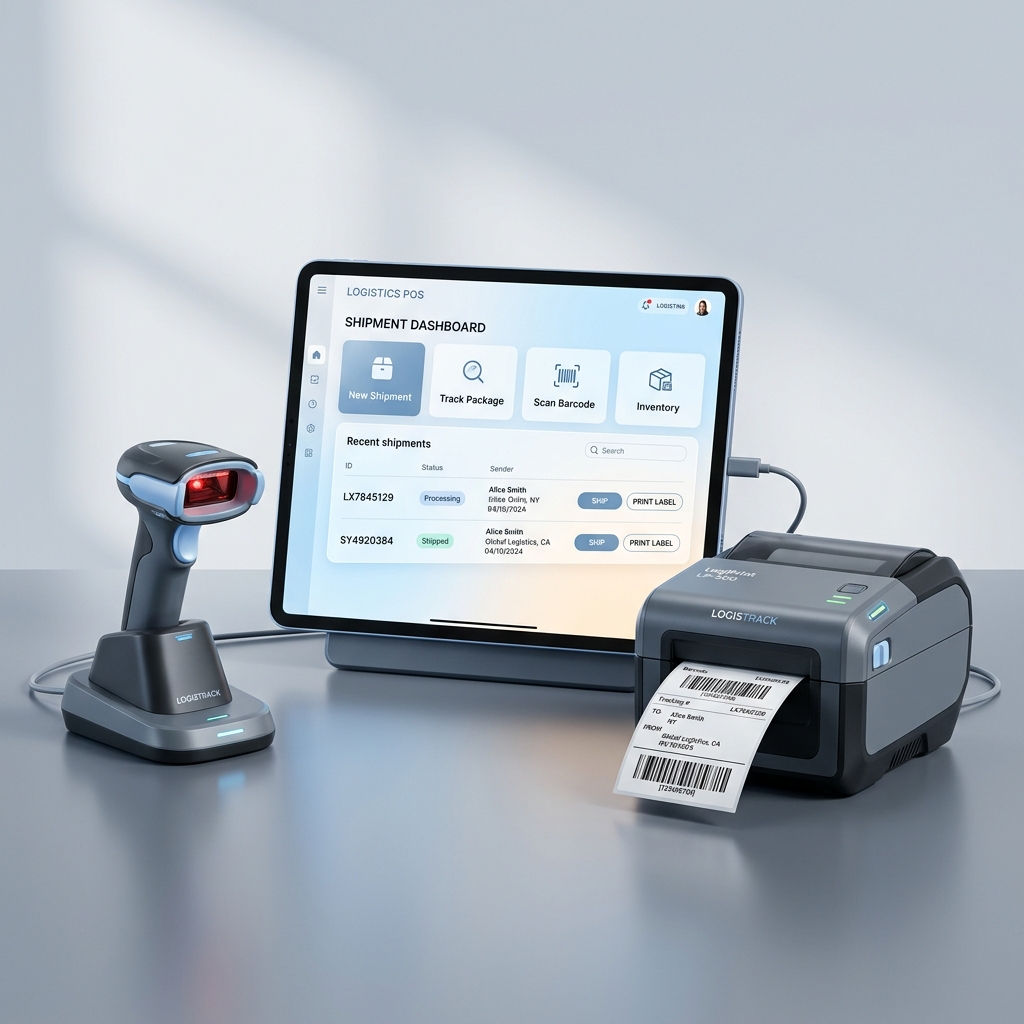
Branch POS & Labeling
Tellers process customer shipments at lightning speed. Our system integrates directly with thermal printers and weighing scales.
Merchant Portal
Designed for businesses shipping in volume. The merchant portal provides tools to automate labeling, track massive volumes, and manage financial settlements.
API Access
Integrate our system directly into your e-commerce store (Shopify, WooCommerce).
Bulk Booking
Upload CSV/Excel files to create hundreds of shipments in one click.
White-Labeling
Customized tracking pages with your own business branding.
POD Retrieval
Instantly download signed delivery proofs for all your shipments.
Enterprise Grade
Scale your business operations without the logistical headache. Join 500+ merchants today.
Financial Guardrails & Settlements
The Baraka system manages the movement of money as tightly as the movement of molecules.
COD Guard
Cash-on-Delivery is lifecycle-tracked.
From driver collection to branch handover and merchant settlement, every cent is accounted for with digital signatures.
Instant Settlements
Stop waiting for your revenue.
Automated settlements trigger immediately after proof-of-delivery is uploaded. Revenue is pushed directly to your merchant wallet.
Reporting Engine
Real-time financial visibility.
Generate tax-compliant monthly statements, payout summaries, and zone-based revenue heatmaps for your branch network.
Frequently Asked Questions
Forgot my password?
Click "Forgot Password" on the login screen, enter your email, and follow the reset instructions sent to your inbox.
How to contact support?
You can reach us via the WhatsApp button in the footer or by emailing support{{ strtolower(config('app.name')) }}.com.
Available delivery zones?
We cover all major regions. Check the "Network" section on the homepage for a detailed map of our courier reach.
Is insurance available?
Yes, you can opt for shipment insurance during the booking process in your customer portal.